
⚡ TL;DR — Key Takeaways
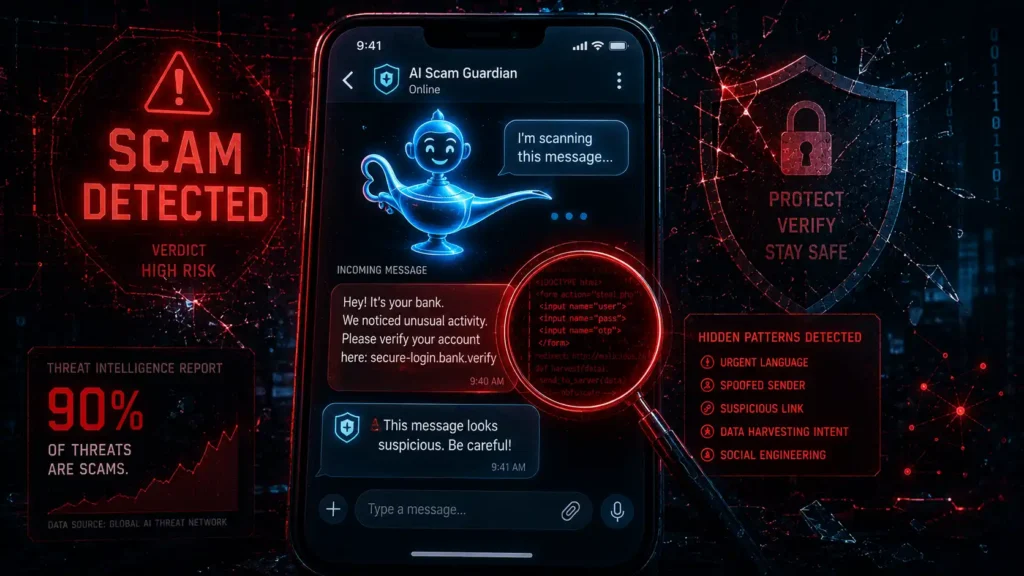
- What it is: The Norton Genie AI scam detector analyzes texts, emails, calls, and screenshots to flag scams using context and intent, not just known bad links.
- The big 2026 update: Genie is now built into ChatGPT, letting users paste a suspicious message directly into a conversation and get an instant verdict.
- Why it matters: More than 90% of threats targeting people in 2025 came from scams, phishing, and fake ads, not malware.
- The catch: Real user reviews report inconsistent performance — powerful when it works, but not flawless.
- Best for: Anyone who regularly second-guesses texts, emails, or calls — especially the kinds of AI-driven scams we cover on this site.
Table of Contents
If you’ve read our coverage of AI voice cloning scams or AI phishing, you already know the core problem: scams no longer look like scams. They’re fluent, personalized, and convincing, often arriving in the exact tone and format of a message you’d normally trust without a second thought. That shift is precisely why a tool like the Norton Genie AI scam detector exists in the first place — old-school advice like “look for typos” or “check the sender’s email” simply doesn’t hold up anymore when the scam was written by the same class of AI model powering your everyday chat assistant.
The Norton Genie AI scam detector was built specifically to answer the one question that comes up every time something feels slightly off — “is this real?” Instead of asking a friend, searching around, or just hoping for the best, the idea is to get a fast, AI-backed second opinion before you click, reply, or send money. Here’s an honest look at whether the Norton Genie AI scam detector actually delivers on that promise, or whether it’s another tool that sounds better in a press release than it performs in daily use.
What Is the Norton Genie AI Scam Detector?
It’s a free, standalone app and web tool that analyzes suspicious messages, links, emails, and screenshots to determine whether something is a scam, according to Norton. Unlike traditional filters that only check whether a link matches a known malicious database, the Norton Genie AI scam detector uses natural language processing and machine learning trained on millions of scam attempts to evaluate language, intent, and behavioral patterns — meaning it can flag a scam even without a malicious link present.
You simply paste in a suspicious text, email, or screenshot, and it responds with a clear verdict: safe, risky, or scam, along with plain-language reasoning and a recommended next step, such as not clicking a link or deleting the message.
The Big 2026 Update: Genie Inside ChatGPT
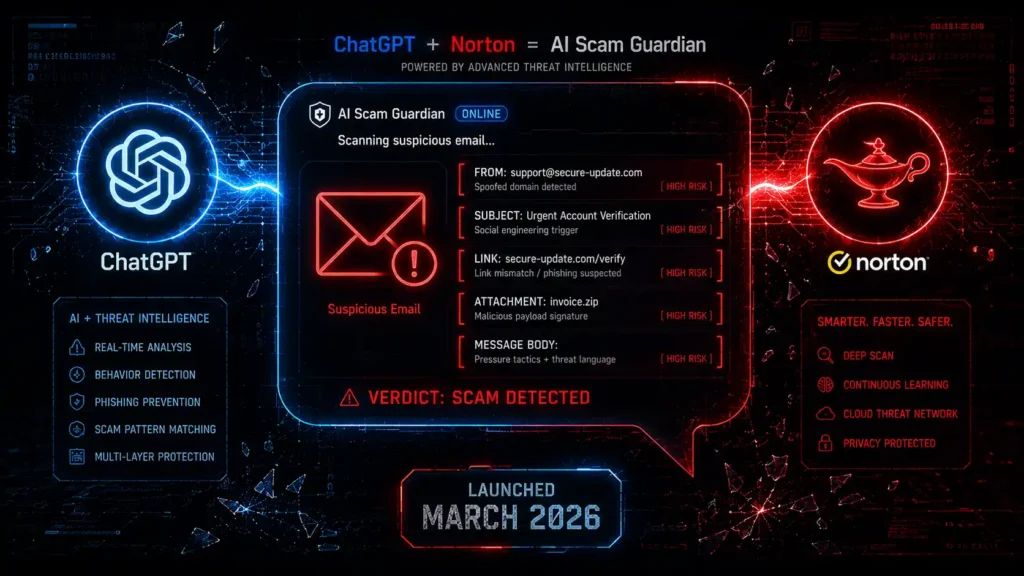
The most newsworthy development came on March 4, 2026, when Norton launched the Genie assistant directly inside ChatGPT, marking what Gen calls the world’s first AI-powered scam detector available through a mainstream AI chat interface, according to Gen’s newsroom. The logic behind the move is simple: people are already asking ChatGPT questions like “is this legitimate?” before they open a link or reply to a text, so Norton brought its scam-detection intelligence into that exact conversation instead of requiring a separate app.
This matters because it removes friction. Chief Product Officer Leena Elias explained that extending Genie into ChatGPT helps people make safer decisions in the moment, right where the question naturally comes up. For readers of this site, that’s the entire point of AI-driven scam protection: catching the deception at the exact moment of doubt, not after the money is already gone.
Why This Tool Exists: The Scale of the Problem
This tool wasn’t built in a vacuum. According to the Gen Threat Report, more than 90% of threats targeting people in 2025 came from scams, phishing, and fake advertisements rather than traditional malware.
That single statistic explains why the Norton Genie AI scam detector exists at all: the entire threat landscape has quietly shifted away from the kind of attacks antivirus software was originally built to catch. Viruses, worms, and file-based malware still exist, but they’re no longer where most people actually get hurt — the real danger now arrives as a text, an email, or a call designed to convince you to hand over money or access voluntarily.
That statistic tracks closely with everything we’ve documented on this site — from AI-cloned CEO voices authorizing fraudulent wire transfers to AI-written phishing texts impersonating banks and delivery services.
Attackers have shifted from breaking into systems to manipulating people directly, and tools like the Norton Genie AI scam detector exist specifically to counter that shift. It’s a notable admission from a company built on traditional antivirus software: the most dangerous file on your device today probably isn’t a virus, it’s a well-written text message.
That’s precisely the gap the Norton Genie AI scam detector is trying to close by applying the same kind of pattern recognition attackers use to craft convincing scams, turned back around to detect them instead.
What You Actually Get, By Plan
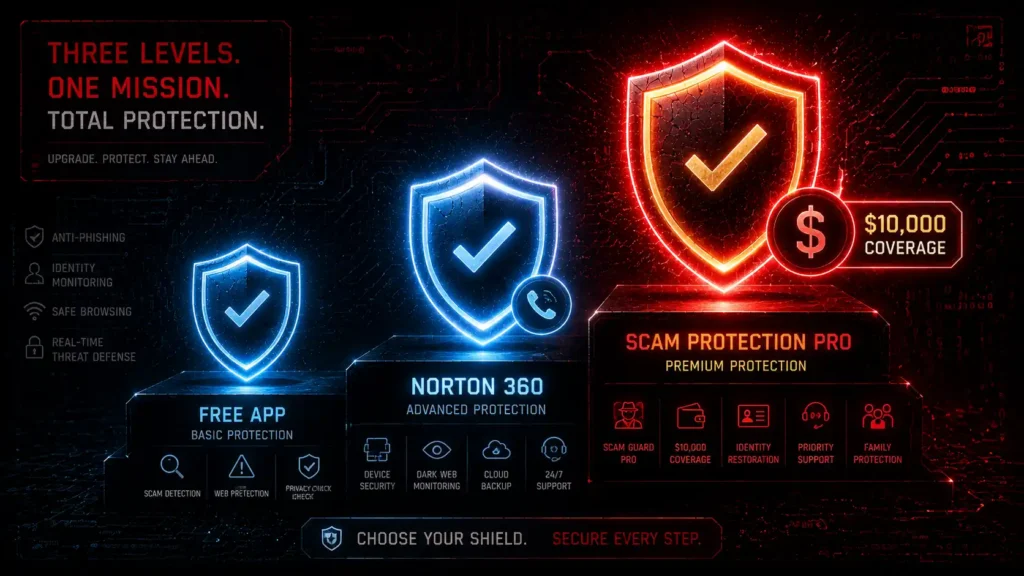
Genie’s scam-detection features ship in tiers depending on which Norton product you use:
- Free standalone app: Scam checking via screenshot, text, or link, plus a dashboard showing how many scams Genie has caught, per Norton’s blog.
- Included with Norton 360 (all plans): Deepfake protection for video, Safe SMS for suspicious texts, and Safe Web browsing protection, bundled at no additional cost.
- Scam Protection Pro (Norton 360 with LifeLock Select, Advantage, Ultimate Plus): Adds Safe Call, which flags or blocks fraudulent calls, and Safe Email, which proactively flags suspicious email patterns before you even open them.
- Ultimate Plus exclusive: Scam Support and Reimbursement, covering up to $10,000 for certain scam losses — a notable safety net most competitors don’t offer.
Norton 360 plans start around $39.99/year for a single device, according to SafetyDetectives, with the Genie scam-detection features included across the lineup rather than gated behind a separate purchase.
| Plan | First Year Price | What You Get |
| Norton AntiVirus Plus | $29.99 (50% off) | Devices: 1 Scam Protection Cloud Backup: 2 GB |
| Norton 360 Standard | $39.99 (57% off) | Devices: 3 Scam Protection Cloud Backup: 2 GB |
| Norton 360 Deluxe | $49.99 (60% off) | Devices: 5 Scam Protection Cloud Backup: 50 GB |
| Norton 360 with LifeLock Select Plus | $99.99 (47% off) | Devices: 10 Scam Protection Cloud Backup: 250 GB |
The Honest Downside
No honest review would be complete without acknowledging its real-world limitations. User reviews describe a tool that’s genuinely valued for scam warnings and site-safety checks when it works, but a recurring complaint involves inconsistent performance — some users report the app failing to run properly or missing scams it should have caught, according to aggregated user review data. This doesn’t make it useless, but it does mean it should be treated as one layer of protection, not a guarantee.
Should You Use It?
If you’re the kind of person who regularly gets texts about “missed deliveries,” emails claiming your account is locked, or calls that sound just a little too official, this tool is worth having as a second opinion — especially now that it’s accessible directly inside ChatGPT with zero extra app required. Just don’t treat a “safe” verdict as absolute; pair it with the same habits we recommend throughout our AI phishing guide: verify independently, slow down, and never act purely on urgency.
The Bottom Line
The Norton Genie AI scam detector represents a genuinely useful shift in how scam protection works — moving from static link-blocking toward AI that actually reads intent the way a skeptical human would. It isn’t perfect, and reliability complaints are real, but for the price of free (or bundled into Norton 360), it’s a reasonable extra layer of defense against the exact category of threats — AI-driven scams — this site covers every week.
Related: The Ultimate Guide to Machine Learning Threat Detection in 2026 – Machine learning threat detection catches attacks in real time instead of after the damage is done — but the same technology is arming attackers just as fast as it’s arming defenders.
NordVPN vs Surfshark 2026: Which AI Security Features Actually Protect You? – Understand how different VPN services work and which one you should choose.
Malwarebytes Free vs Premium 2026 — Does the AI Engine Make It Worth It? – Malwarebytes free is a cleanup crew that shows up after the break-in — Premium’s Katana AI engine is the lock that stops the break-in from happening at all
Frequently Asked Questions
Q1. Is the Norton Genie AI scam detector actually free to use?
Yes, the standalone app and web tool are free to download and use for basic scam checking via screenshot, text, or link. More advanced features like Safe Call and the $10,000 reimbursement coverage require a paid Norton 360 with LifeLock plan.
Q2. How does the Norton Genie AI scam detector work in ChatGPT?
You can tag @Norton inside a ChatGPT conversation and share a suspicious email, text, image, or link. Genie analyzes the language, intent, and tactics behind the message and gives an instant verdict on whether it looks safe, risky, or like a scam.
Q3. What makes the Norton Genie AI scam detector different from a spam filter?
Traditional spam filters mainly check whether a link or sender matches a known malicious database. The Norton Genie AI scam detector instead evaluates context, tone, and intent using machine learning, allowing it to catch scams that don’t contain any flagged links at all.
Q4. Does the Norton Genie AI scam detector actually catch every scam?
No. User reviews report inconsistent performance, with some scams slipping through or the app occasionally failing to run properly. It’s best treated as one layer of protection alongside independent verification, not a guaranteed catch-all.
Q5. Who should consider using the Norton Genie AI scam detector?
Anyone who regularly receives suspicious texts, emails, or calls — especially people who’ve been targeted by AI-driven phishing or impersonation attempts — will likely find it a useful second opinion, particularly now that it’s accessible directly inside ChatGPT.
Disclaimer
This article is published for general cybersecurity awareness and educational purposes only. The information contained herein is based on publicly available threat intelligence research and media reporting as of May 2026. AI Security Watch does not make representations about the completeness or accuracy of information regarding Mythos AI, as the technical specifications of this tool are not fully publicly confirmed. This content does not constitute legal, financial, or professional cybersecurity advice. Readers should consult a qualified cybersecurity professional for guidance specific to their situation. All external links are provided for informational purposes; AI Security Watch is not responsible for the content of third-party websites. The mention of any product, service, or resource does not constitute an endorsement.Disclaimer